Audio Book Studio
Audiobooks, in your voice or ours.
Turn any Ludooka story into a chapter-by-chapter audiobook, with studio-grade AI narration, soft background music, and a sentence-synced read-along transcript.
- Studio-grade AI narration
- Soft background music
- Sentence-synced transcript
- Your own voice, optional
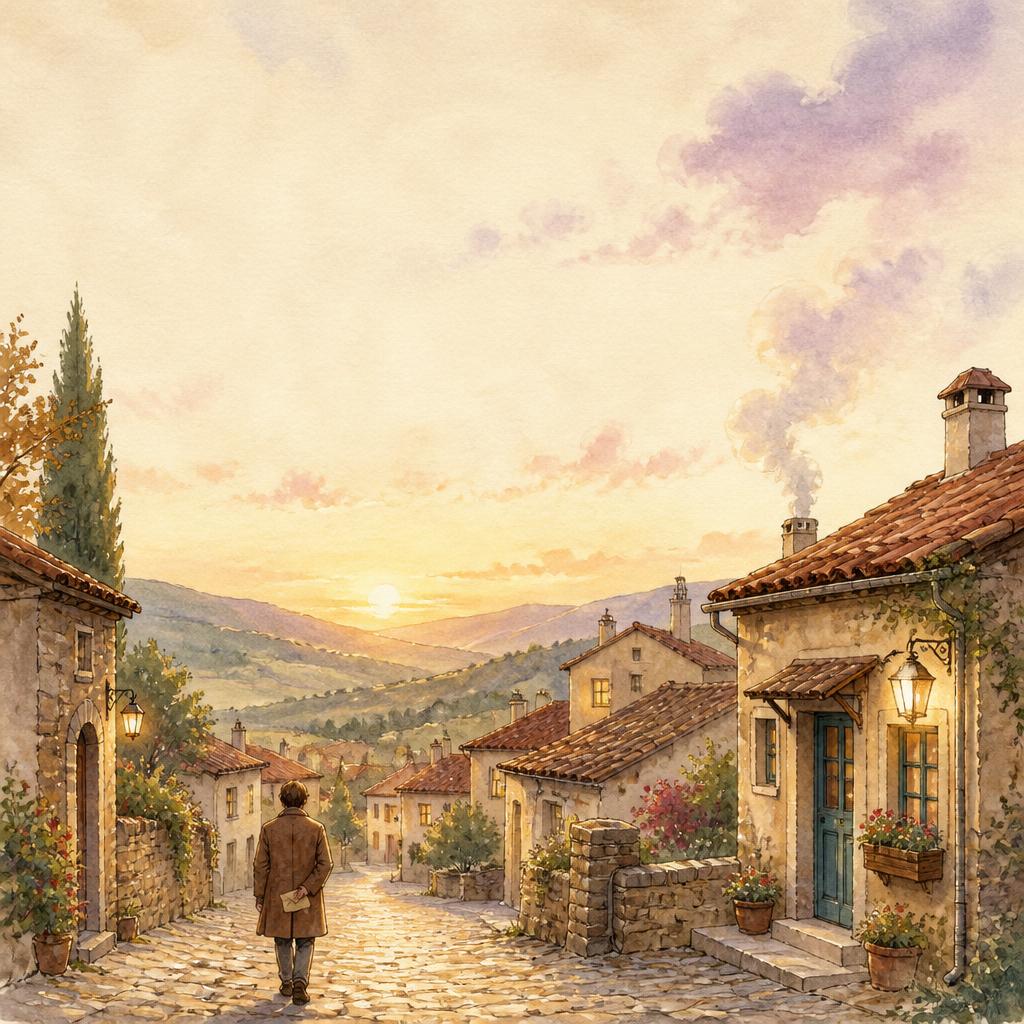
AI narrator · Sample chapter
The Last Letter
Chapter 1 · with soft background music
- Real audiobook engine
- Sentence-level alignment
- Background music mix
- Consent-gated cloning
Studio voices
A curated cast of narrators — ready in one tap.
- Preview each voice before you commit
- Switch narrators between books, not mid-book
- Consistent across every chapter
Clone your voice
Read books in your own voice
Myself
Cloned voice
Sarah
Studio · Warm storyteller
Roger
Studio · Bedtime calm
Voice cloning
Your voice — with consent.
- One-minute recording, live quality meter
- Consent verified before cloning
- Only narrates books you own
Clone Your Voice
Voice Name
Reading
Once upon a time, in a cozy little house on the edge of a magical forest, there lived a curious little fox named Ruby…
Create in three ways
From a spark to a spoken story — your call.
- Make a book — tell it, upload it or write it
- From a Prompt — you describe, we write
- Read and edit every page before the pictures are drawn
Create Audio Story
Choose how you'd like to bring your story to life
Quick Story
Instant magicPick a child, voice & duration — we craft a story in seconds.
From a Prompt
Your idea, our wordsDescribe your concept and watch it come alive with narration.
Custom Story
Full creative controlDesign every detail: theme, values, learning goals & more.
Read-along listening
Every sentence lights up as it's read.
- Waveform scrub — jump anywhere in the chapter
- 0.75× / 1× / 1.25× / 1.5× speeds
- Soft background music underneath, always clear
Now playing · Chapter 1
The Last Letter
Narrated in your voice
The postman climbed the winding street,
his satchel heavy with news from a hundred lives.
At the last blue door, he stopped.
The workflow
Three steps, one listenable book.
From manuscript to a chapter you can play on any device.
- 1
Pick a voice
Choose from a curated set of expressive AI narrators, or clone your own voice with consent.
- 2
Generate the audiobook
Ludooka narrates every page, aligns each sentence to timestamps, and mixes in optional background music.
- 3
Listen with read-along
Play on any device with a waveform scrubber, playback speed, and a sentence-highlighted transcript.
The player
Built for listening.
Every audiobook plays inside a purpose-built player, with the controls that make long-form listening feel effortless.
Waveform scrub
See the shape of the chapter and jump anywhere with a tap.
Sentence sync
Each spoken sentence highlights in the transcript in real time.
Speed control
0.75×, 1×, 1.25× and 1.5× — for focused listening or quick reviews.
Background music
A soft musical bed underneath, ducked so narration stays clear.
33+ languages
Narrate in the language your story is told in.
Ludooka speaks 33+ languages, from English, French and German to Arabic, Hindi, Japanese and beyond — with the same read-along transcript everywhere.
FAQ
Common questions.
- Is the sample above generated by Ludooka?
- Yes. It is Chapter 1 of a book made in Ludooka, narrated by our AI engine, with the same soft background music our audiobook engine mixes in.
- Can I use my own voice?
- Yes. Voice cloning is available with a short consent-gated recording. Your cloned voice narrates only your own books.
- What languages are supported?
- Ludooka narrates in 33+ languages — from English, French and German to Arabic, Hindi, Japanese and beyond.
- Do listeners need an account?
- The sample above plays without an account. Generating audiobooks and listening to full books both require an active Ludooka subscription — your plan covers narration, background music, and read-along.
Ready to hear your story?
Create a book in Ludooka, then narrate it in minutes.